AI chat is the default surface
Ask Compass anything — every action you can take on the screen, you can ask for in chat. Same data, same result.
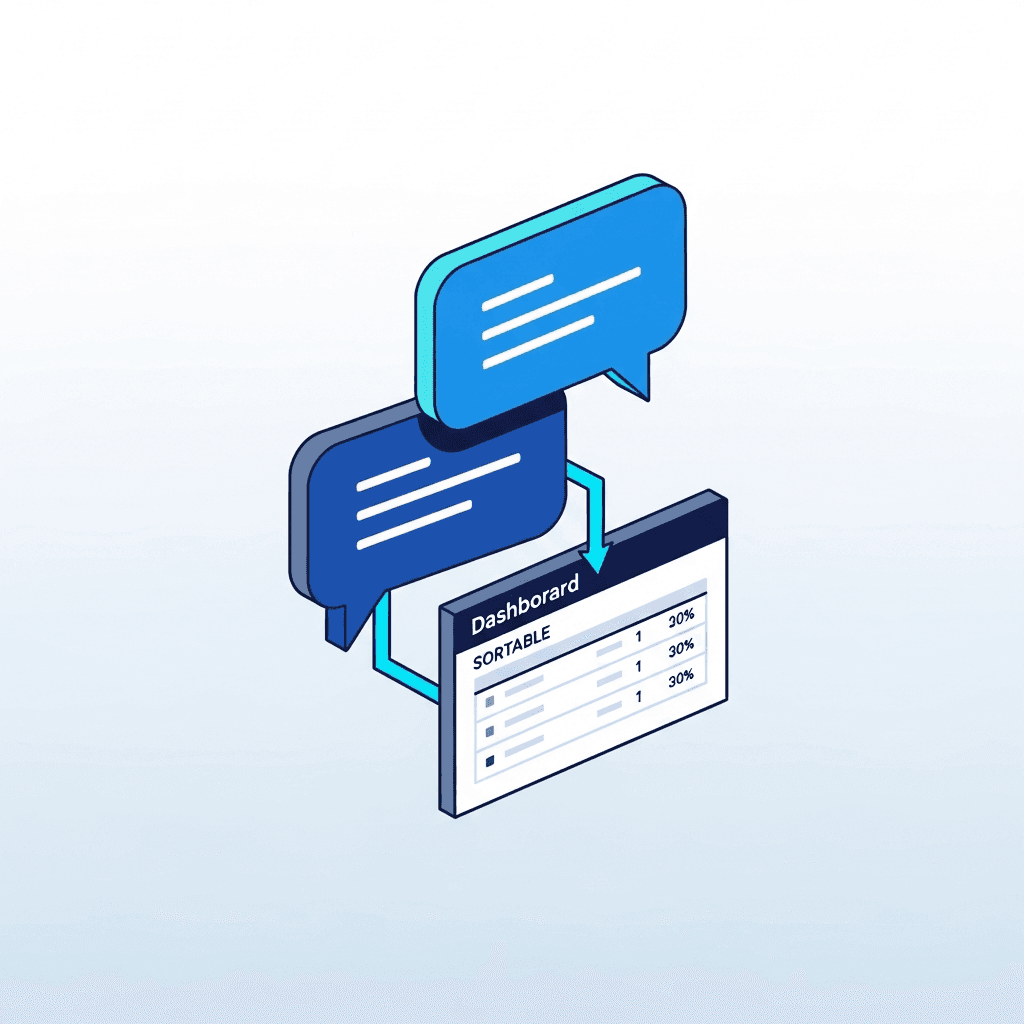
The screen is a fallback, not the front door
Compass is built around the idea that you should not have to know the software to use the software. Ask:
- "Show me delinquent residents."
- "Draft a renewal at 5% over current."
- "Who has insurance expiring in March?"
Every answer is a structured card with deep links to the corresponding screen — so when you do need to drill in, the click is one tap, not five.
Why it feels different
Compass isn't a chat skin glued onto a regular dashboard. The chat and the screens are two ways into the same product — same data, same permissions, same audit trail. When you ask the chat to draft a renewal, it draws the same draft the screen would draw, and you review it on the same screen.
That's what makes the AI useful instead of decorative: it doesn't have its own copy of your portfolio that drifts out of sync with the real one.
What you actually do with it
- Find — "vacant units sorted by market rent" returns a sortable table.
- Create — "draft a 12-month lease for Avery Cole" returns a reviewable draft.
- Schedule — "HVAC service across all properties with filters older than 6mo".
- Reconcile — "reconcile March payouts against operating account".
- Message — "email residents whose insurance expires in the next 30 days".
Disambiguation is built in: ask Compass to "send a notice to 12 Oak" and if there are two properties with that string, you'll be asked which one before anything is sent.